
1Password is still worth it in 2026
I let my 1Password Family subscription lapse for three months to give iCloud Passwords a real shot. Apple’s offering is free, built-in, and getting better. After three months, I went back to 1Password.
This is totally a convenience purchase. You can absolutely get by without it, and maybe as Apple keeps improving, this won’t be needed. But iCloud Passwords is a death by a thousand papercuts. Each issue is small, but they add up, and after three months I was fatigued enough to miss 1Password.
Note: this is not a paid post. I’m not a sponsor. I like writing about tools I enjoy using.
macOS: Chrome autofill is painful
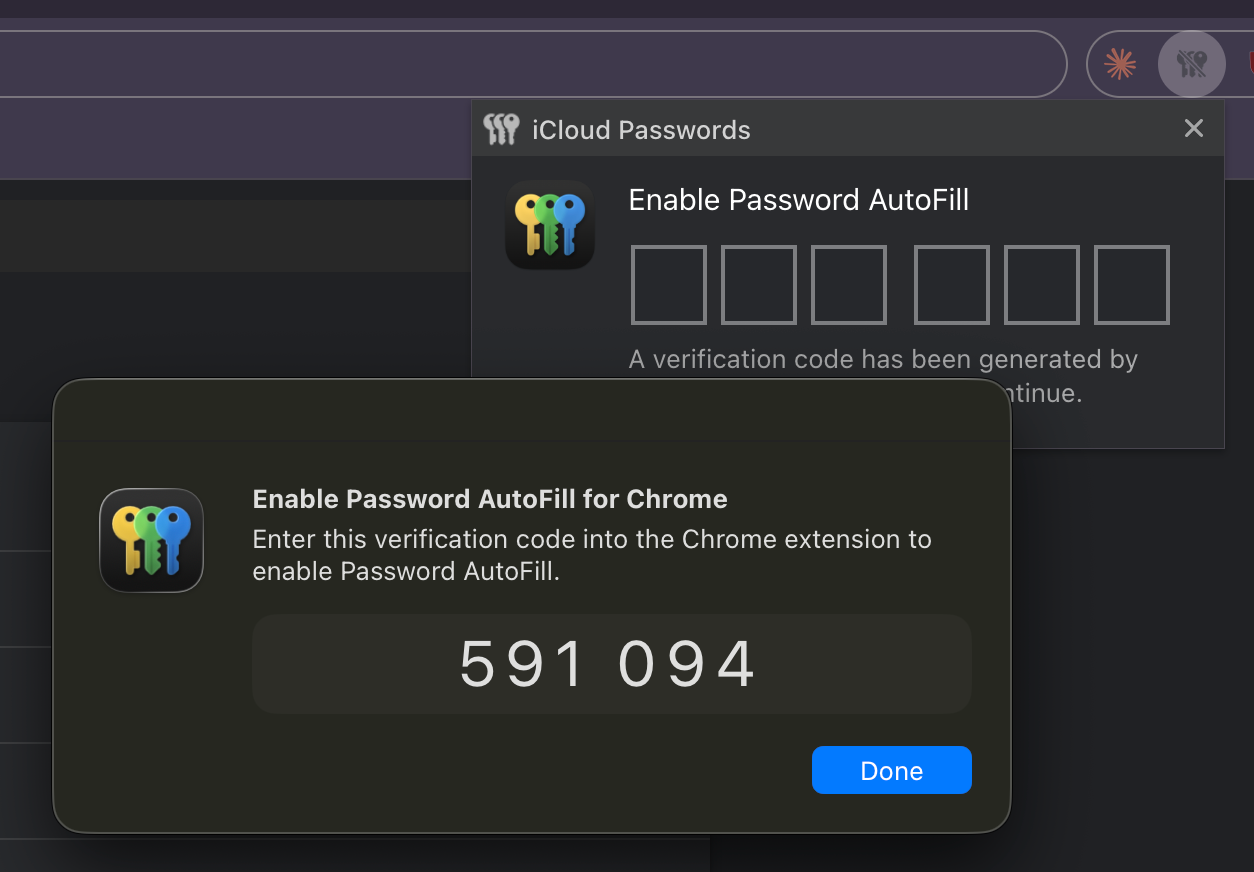
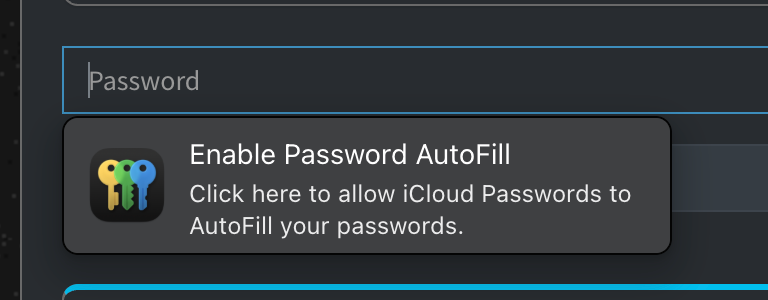
The iCloud Passwords Chrome extension has 2.3 stars on the Chrome Web Store, and I think that’s justified. I have to re-enter a 6-digit code multiple times a day just to let Chrome autofill passwords. Even when I’m already signed in, every single password fill requires re-entering my password or using Touch ID. There’s no grace period.
Passkeys, on the other hand, work great. Likewise, if you’re using Safari on macOS, no complaints there. But don’t get be started on Safari for macOS and its gaps….
iCloud sync bugs
Sync has been mostly reliable, but I ran into a strange issue a few weeks ago. Sync between my family member’s iPad, my phone, and laptop was broken. They all had slightly different versions of passwords. It didn’t work to logout/login again. Instead, I had to add dummy items to our password vaults to trigger a resync.
Credit card autofill
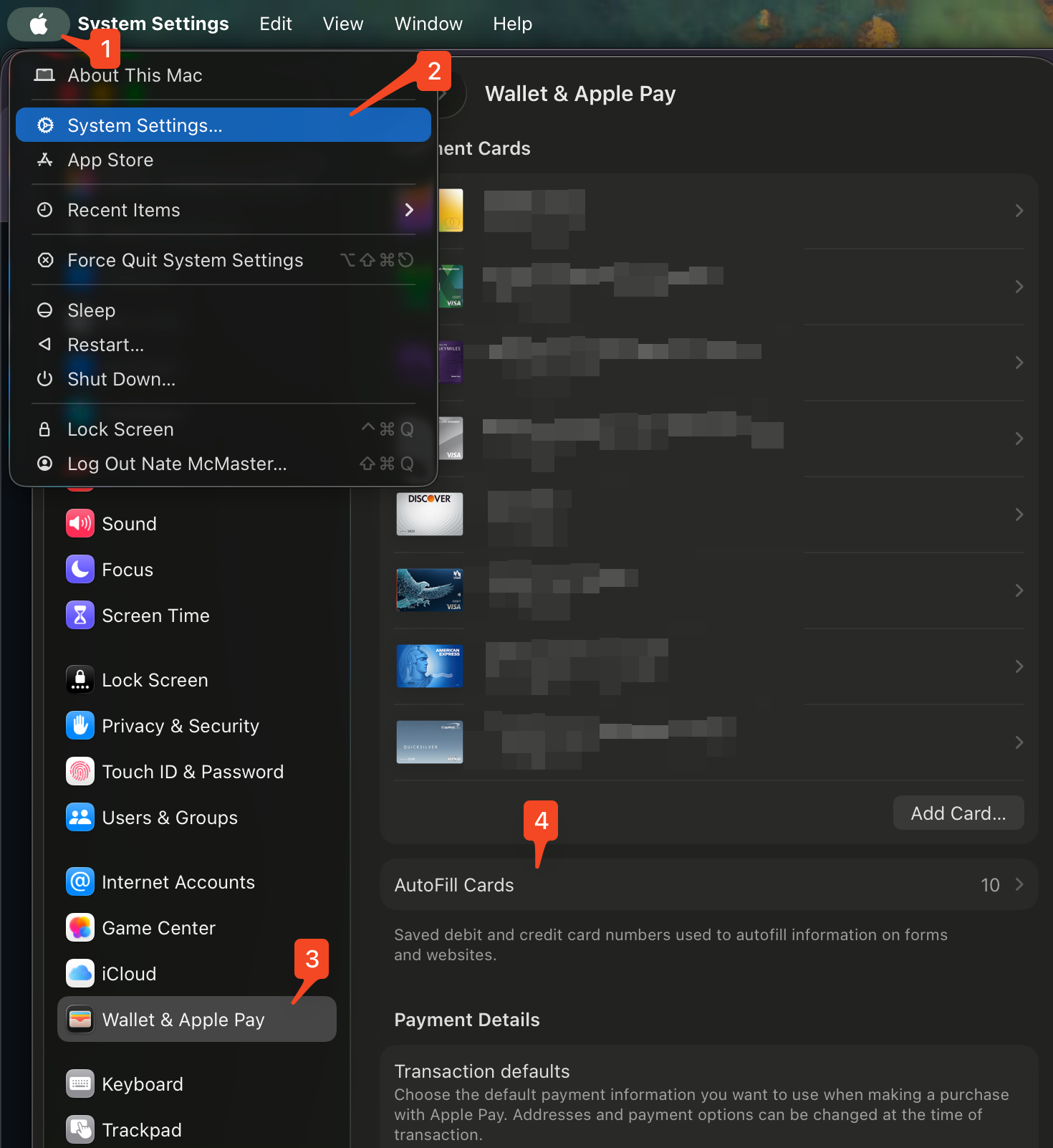
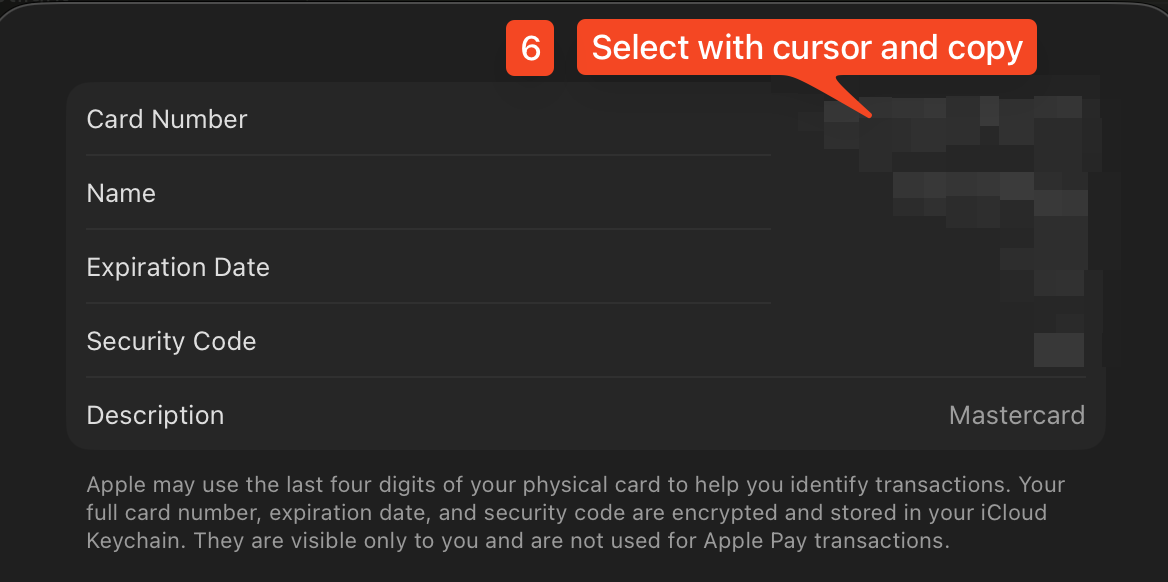
Apple Passwords is just for passwords. Despite the increasing availability of Apple Pay, I still have to fill in credit card numbers in many places. macOS does let you save credit cards in Wallet & Apple Pay, but getting to those details takes about 6 clicks through System Settings. And Wallet’s saved credit cards only autofill in Safari, not Chrome.
With 1Password, I can hit Cmd+Option+\ or click the browser extension to quickly search and autofill. It also recognizes credit card fields and suggests autofill automatically. It’s a much smoother experience.

iPhone: where Apple Passwords shines
Integration is actually slightly better with Apple Passwords in most cases since it’s the native experience. 1Password has its own annoyance: sometimes the password suggestion doesn’t pop up above the keyboard, and I have to switch apps to copy it. Minor, but real.
Windows sync is buggier than macOS
There is an iCloud for Windows app to make the Chrome extension work for passwords. I don’t use Windows, but my family members tell me the password autofill is buggy.
Migration is the worst part
Passkeys can’t be exported or imported, so you’re locked in. Most services let you register more than one passkey, but not all of them. De-duplicating passwords after switching between managers is also tedious. Merging two vaults means sorting through duplicates, outdated entries, and slight mismatches.
To make this less painful, I wrote a script that uses the 1Password CLI to find and merge duplicate logins. It groups items by domain and username, lets you interactively pick which to keep, and archives the rest. It also handles merging TOTP secrets, notes, and extra fields from discarded items into the keeper so you don’t lose anything. If you’re migrating back to 1Password from another manager and end up with a mess of duplicates, it might save you some time.
Verdict
iCloud Passwords is good enough for most people, especially if you’re all-in on Safari and Apple devices. But if you use Chrome on macOS, the experience has enough friction to justify paying for 1Password. It’s a convenience tax, and I’m okay paying it.